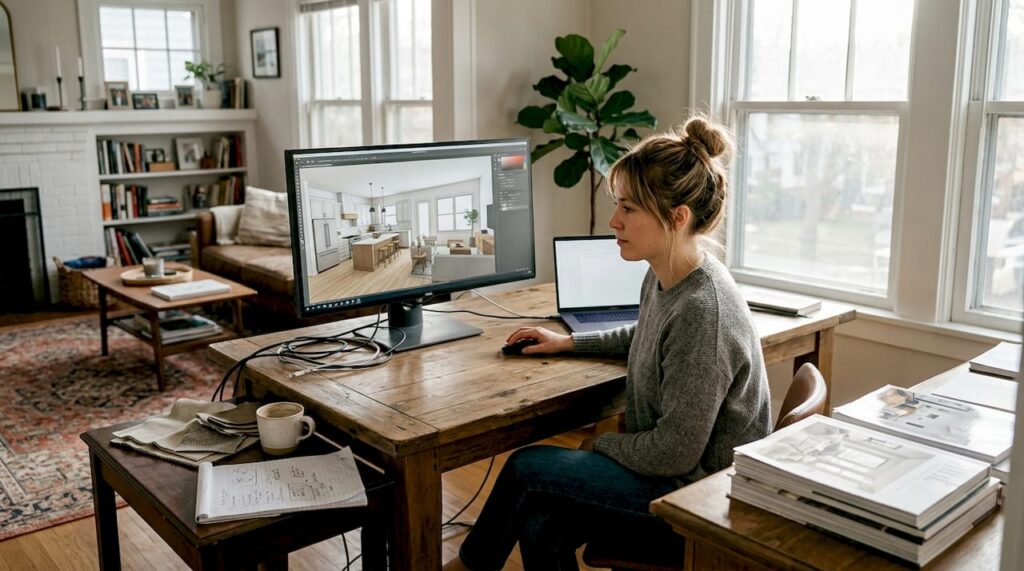
Choosing the right method to visualize your interior space can feel overwhelming when you’re faced with dozens of tools, technologies, and approaches. Whether you’re a homeowner planning a renovation or a designer presenting concepts to clients, the visualization method you pick shapes how accurately you can preview the final result. This article breaks down seven proven ways to visualize interiors, from cutting-edge 3D techniques to accessible beginner tools, so you can match the right approach to your project’s needs, budget, and complexity.
Table of Contents
- Key takeaways
- How to evaluate ways to visualize interiors: criteria to consider
- 1. 3D Gaussian Splatting for high-quality indoor scene rendering
- 2. Using large indoor scene datasets for AI-driven visualization
- 3. Common challenges in AI and 3D interior renders and how to overcome them
- 4. Popular visualization tools: from beginner-friendly to professional-grade
- How moment design can help you visualize your interior
- FAQ
Key Takeaways
| Point | Details |
|---|---|
| Tool variety fits skills | Different visualization methods cater to homeowners and professionals, balancing ease of use with advanced capabilities. |
| Indoor realism boost | 3D Gaussian Splatting delivers higher photorealism for indoor scenes, outperforming traditional methods like NeRF and COLMAP. |
| Free and paid tools | Free options such as Blender or Planner5D alongside paid software provide scalable workflows for homeowners and design professionals. |
| Match tool to project | Evaluating image quality, cost, speed, accuracy, and scalability helps select the right tool for a given project. |
How to evaluate ways to visualize interiors: criteria to consider
Before diving into specific visualization methods, you need a framework to assess which approach fits your project. Image quality determines how realistic and convincing your renders appear to stakeholders or family members. Ease of use affects how quickly you can learn the tool and produce results without frustration. Cost spans free open-source software to premium subscriptions costing thousands annually.
Rendering speed matters when you’re iterating designs or working under tight deadlines. Accuracy reflects how closely the visualization matches real-world materials, lighting, and proportions. Scalability indicates whether the tool can grow with your needs, from simple room layouts to complex multi-room projects. Output type varies: static images work for presentations, interactive 3D models let clients explore spaces, and VR walkthroughs create immersive experiences.
Your skill level dramatically influences tool choice. Homeowners typically need intuitive drag-and-drop interfaces with preset furniture libraries. Professional designers require advanced lighting controls, material editors, and rendering engines. For practitioners, experts recommend starting with SketchUp combined with Enscape for speed, then scaling to 3ds Max with V-Ray for hero shots. Homeowners benefit from free tools like Blender or Planner5D that balance capability with accessibility.
Pro Tip: Start with simple, intuitive tools and upgrade as your project complexity grows. Jumping straight to professional software without foundational skills wastes time and creates frustration.
Explore a comprehensive interior design tools overview to understand how different approaches serve various project types and user profiles.
1. 3D Gaussian Splatting for high-quality indoor scene rendering
3D Gaussian Splatting represents a breakthrough in photorealistic interior visualization, delivering image fidelity that surpasses traditional reconstruction methods. This technique uses millions of tiny 3D Gaussian primitives to represent scenes, capturing subtle lighting variations, material textures, and spatial relationships with exceptional precision. When optimized for indoor scenes, 3D Gaussian Splatting improves PSNR by 4.3% and SSIM by 0.2% compared to baselines like NeRF and COLMAP.
These technical metrics translate to renders that capture the atmosphere and feeling of spaces before they exist. Higher PSNR scores mean less visual noise and more accurate color reproduction. Improved SSIM values indicate better preservation of structural details like crown molding, tile patterns, and fabric textures. For professionals presenting high-stakes designs to clients or investors, this quality leap justifies the learning curve.
3D Gaussian Splatting excels when you need photorealistic indoor visualizations that convince viewers they’re looking at finished spaces. The method handles complex lighting scenarios, reflective surfaces, and intricate architectural details that challenge traditional rendering engines. You can rotate views smoothly and explore spaces from multiple angles without quality degradation.
“The quality leap from 3D Gaussian Splatting fundamentally changes client presentations. Details that were previously approximations now appear with photographic accuracy, eliminating the ‘rendering look’ that clients often question.”
Limitations include significant computational demands requiring powerful GPUs and technical complexity that steepens the initial learning curve. Setup involves capturing multiple photographs or scans of reference spaces, then processing them through specialized software. Small studios or individual designers may find the hardware investment prohibitive. See interior visualization project examples demonstrating this technique’s output quality.
- Best for professionals needing photorealistic hero renders
- Requires substantial computational resources and technical knowledge
- Delivers superior accuracy in lighting, materials, and spatial relationships
- Processing time exceeds real-time rendering but produces unmatched quality
2. Using large indoor scene datasets for AI-driven visualization
Artificial intelligence transforms interior visualization by learning from massive datasets of real rooms, furniture arrangements, and design principles. Large indoor scene datasets like FurniScene and IL3D provide the training foundation that enables AI tools to generate realistic furniture placement, understand spatial relationships, and suggest layouts that respect design conventions. These datasets contain 111k rooms and 39k CAD models in FurniScene’s case, with IL3D contributing 27k detailed layouts.
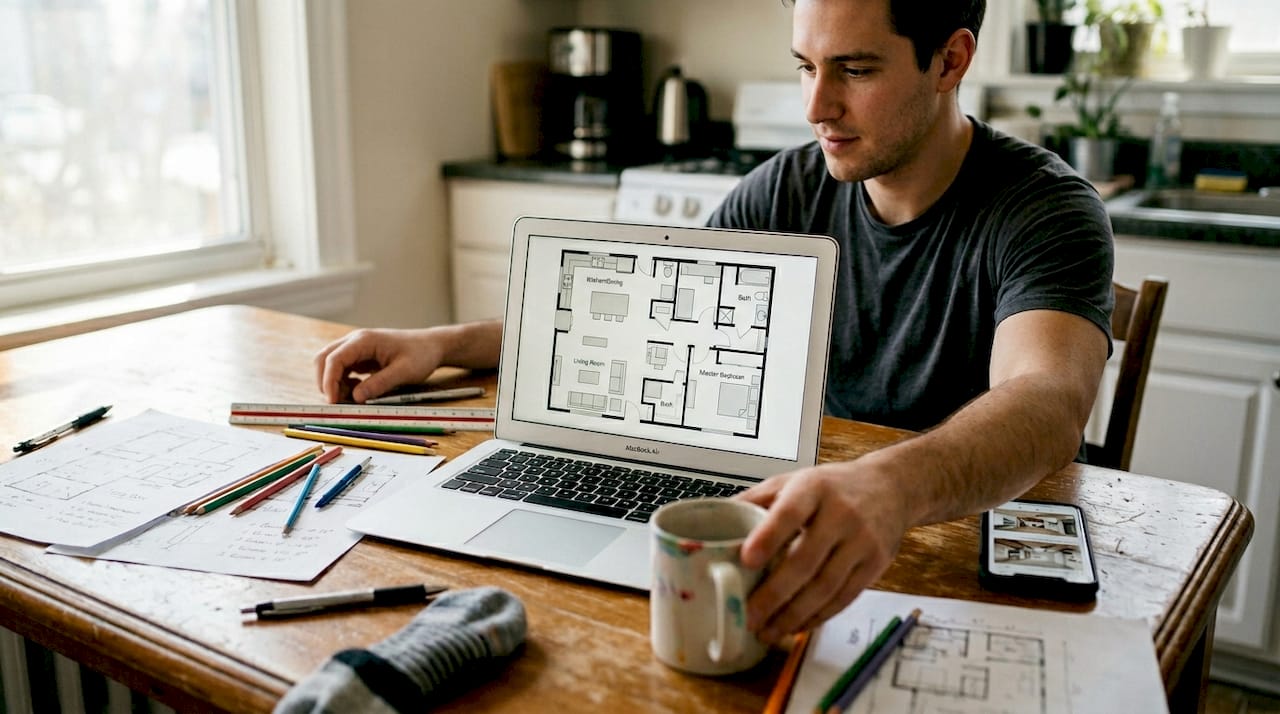
AI-powered visualization tools analyze your space dimensions, style preferences, and functional requirements, then generate multiple design options in minutes. This speed advantage lets you explore far more variations than manual modeling allows. The AI understands that sofas face coffee tables, dining chairs cluster around tables, and nightstands sit beside beds, applying learned patterns to your specific space.
| Dataset | Rooms | Models | Primary Use |
|---|---|---|---|
| FurniScene | 111,000 | 39,000 CAD | Fine-grained furniture generation and placement |
| IL3D | 27,000 layouts | Varies | Room layout benchmarking and spatial understanding |
AI-driven approaches excel at rapid ideation and exploring design possibilities you might not consider manually. They democratize interior visualization by removing the need for 3D modeling skills. Homeowners can describe their vision in plain language and receive visual options within minutes. Designers use AI tools for initial concept exploration before refining chosen directions in traditional software.
Limitations appear in fine details and unique design elements. AI may miss specific lighting fixtures, misinterpret unusual architectural features, or generate furniture that doesn’t match exact product specifications. The outputs work brilliantly for conceptual exploration but often require manual refinement for final presentations. View AI visualization case studies showing how professionals integrate these tools into broader workflows.
- Generates multiple design options rapidly from simple inputs
- Learns realistic furniture placement from massive training datasets
- Ideal for initial concept exploration and client brainstorming
- May require manual refinement for accuracy in final deliverables
3. Common challenges in AI and 3D interior renders and how to overcome them
Even advanced visualization methods encounter predictable problems that compromise output quality. AI-generated interior renders frequently miss ceiling lights, produce inconsistent scales between furniture pieces, generate textures with poor micro-relief detail, and create materials that don’t match real-world products. These edge cases stem from training data gaps and prompt interpretation limitations.
Traditional 3D renders face different challenges. Over-lighting washes out material textures and eliminates shadow depth that creates visual interest. Wide-angle lens distortion makes rooms appear larger than reality, setting false expectations. Missing decorative props like artwork, plants, or accessories leave spaces feeling sterile and unlived-in. Texture mapping errors create repetitive patterns or misaligned materials that break immersion.
Solving these issues starts with explicit, detailed prompts when using AI tools. Instead of “modern living room,” specify “modern living room with recessed ceiling lights, 10-foot ceilings, leather sofa 84 inches wide, marble coffee table 48×30 inches.” Dimensional precision and material callouts help AI generate more accurate outputs. Review every render critically before sharing, checking scale relationships, lighting sources, and material consistency.
For traditional 3D renders, build comprehensive scene libraries with proper prop placement. Use physically accurate lighting that mimics real fixtures and natural light behavior. Apply lens corrections that match standard architectural photography rather than extreme wide angles. Test renders at multiple angles to catch distortion, missing elements, or lighting problems before final rendering.
Pro Tip: Always review renders critically and iterate with clearer inputs. Treat your first output as a draft, not a final product, and refine specifications based on what the visualization missed or misinterpreted.
Learn visualization best practices that help you avoid common pitfalls and produce consistently high-quality results across different tools and methods.
- Missing ceiling lights plague AI renders; solve with explicit fixture specifications
- Scale inconsistencies require dimensional callouts in prompts
- Over-lighting in 3D renders needs physically accurate light sources
- Wide-angle distortion demands standard architectural lens settings
4. Popular visualization tools: from beginner-friendly to professional-grade
The visualization software landscape offers options for every skill level and budget. Beginner tools prioritize intuitive interfaces and preset content libraries that let you start designing immediately. Intermediate options balance ease of use with professional features. Advanced suites provide complete control over every visual element but demand significant learning investment.
Blender stands out as a free, open-source 3D creation suite with visualization capabilities rivaling paid alternatives. The learning curve is steep, but extensive tutorials and community support ease the journey. Planner5D offers a browser-based interface where homeowners drag furniture into floor plans and view results in 3D, requiring zero technical knowledge. Both tools let you experiment without financial commitment.
SketchUp combined with Enscape represents the intermediate sweet spot. SketchUp’s intuitive modeling interface lets you build spaces quickly, while Enscape provides real-time rendering that shows design changes instantly. This combination delivers professional results without the complexity of high-end rendering engines. Practitioners use this workflow for speed when iterating client concepts.
3ds Max with V-Ray defines professional-grade visualization. This combination offers unmatched control over materials, lighting, and rendering quality, producing hero images for marketing and high-stakes presentations. The software costs thousands annually and requires months to master, but the output quality justifies the investment for serious professionals.
| Tool | Cost | Ease of Use | Output Quality | Ideal User |
|---|---|---|---|---|
| Blender | Free | Moderate | High | Motivated beginners, budget-conscious pros |
| Planner5D | Free/Paid tiers | Very Easy | Moderate | Homeowners, quick concepts |
| SketchUp + Enscape | $400-700/year | Easy | High | Designers, fast iterations |
| 3ds Max + V-Ray | $2000+/year | Difficult | Exceptional | Professional studios, hero renders |
Pro Tip: Choose software based on your project’s complexity and skill level. Starting with professional tools before mastering fundamentals wastes time and creates frustration that undermines your visualization goals.
Explore software visualization examples showing output quality across different tools and rendering approaches.
- Blender offers professional capabilities at zero cost for patient learners
- Planner5D provides instant results for homeowners without technical skills
- SketchUp with Enscape balances speed and quality for design professionals
- 3ds Max with V-Ray delivers unmatched output for high-stakes projects
How moment design can help you visualize your interior
Navigating visualization methods, tools, and technical challenges becomes simpler when you partner with experienced professionals who handle the complexity for you. Moment design creates spaces in 3D so you can experience them before they exist, capturing not just the design but the atmosphere, materials, and feeling of your future interior. Whether you’re planning a residential renovation or a commercial space transformation, tailored visualization services match your project scale and vision.
Explore professional visualization services designed for varied project needs and budgets. Review the portfolio of interior designs to see how photorealistic renders bring concepts to life. The Island Beauty Salon project demonstrates how expert visualization helps clients make confident decisions before construction begins.
Partnering with visualization specialists bridges the gap between your vision and photorealistic outputs, eliminating the learning curve and technical challenges while ensuring professional-quality results that convince stakeholders and guide contractors.
FAQ
What is the best way to visualize a home interior?
The best method depends on your skill level, budget, and project complexity. Homeowners benefit from free tools like Planner5D or Blender that offer intuitive interfaces and preset furniture libraries. Professional designers typically use SketchUp with Enscape for speed or 3ds Max with V-Ray for hero-quality renders. Start with simple tools and scale to more advanced options as your needs grow. Find interior visualization guidance tailored to your specific project type.
How does 3D Gaussian Splatting improve interior visualization?
3D Gaussian Splatting provides higher-fidelity renders with more accurate lighting and texture details than older reconstruction methods. This technique improves PSNR by 4.3% and SSIM by 0.2% over baselines like NeRF and COLMAP, translating to photorealistic outputs that capture subtle material properties and atmospheric qualities. The method excels at complex indoor scenes with reflective surfaces and intricate architectural details.
What common issues occur in AI-generated interior renders?
AI renders frequently miss ceiling lights, produce inconsistent scales, and generate textures with poor micro-relief detail. These problems stem from training data gaps and vague prompts. Solve them by providing explicit specifications including dimensions, material types, and fixture details. Always review AI outputs critically and iterate with clearer inputs to achieve accurate results.
How much does professional interior visualization software cost?
Costs range from free open-source options to premium subscriptions exceeding $2000 annually. Blender costs nothing but requires time investment to learn. Mid-range tools like SketchUp with Enscape run $400-700 per year. Professional suites like 3ds Max with V-Ray cost $2000+ annually but deliver exceptional output quality. Choose based on your project needs, not just features, to avoid paying for capabilities you won’t use.
Can beginners create professional-quality interior visualizations?
Beginners can produce impressive results using intuitive tools like Planner5D or AI-powered platforms that require minimal technical knowledge. However, professional-quality outputs matching studio work typically require months of practice with advanced software. Start with beginner-friendly tools to learn visualization fundamentals, then progress to professional suites as your skills and project demands grow. Many successful designers began with free tools before investing in premium software.