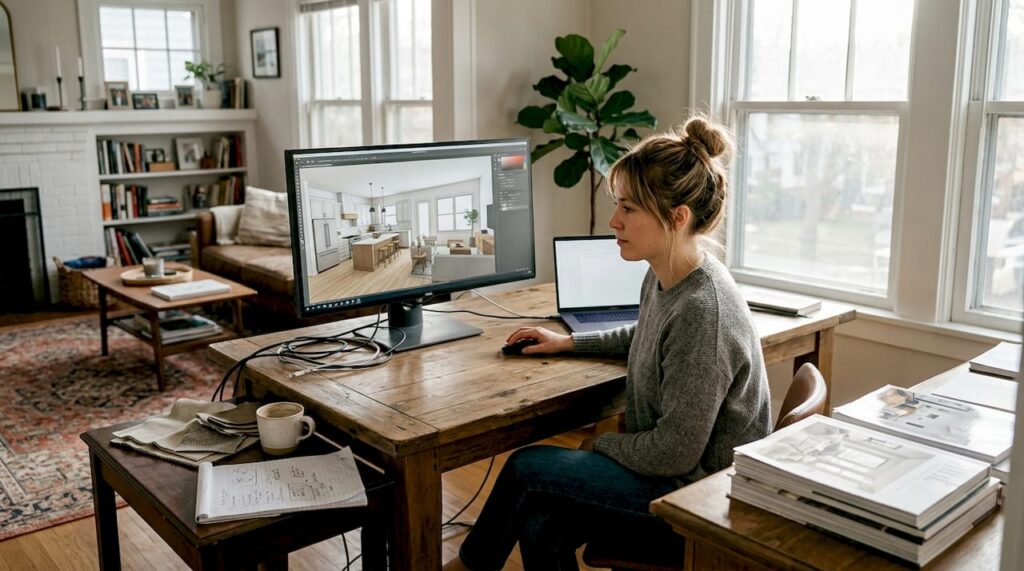
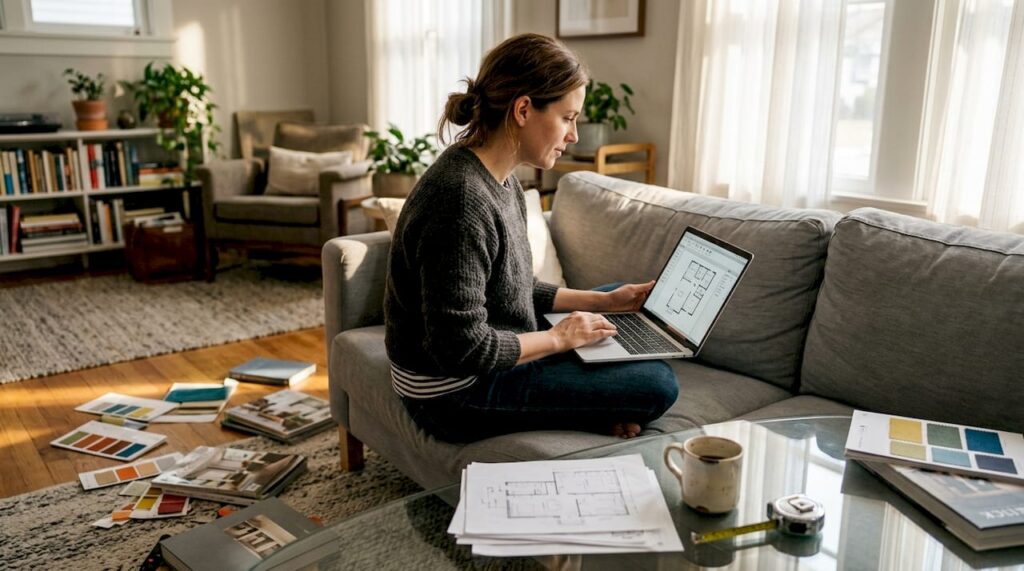
You’ve probably heard that choosing paint colors, furniture, and layouts requires endless physical samples, showroom visits, and a fair bit of guesswork. That’s the old way. Digital interior design flips this narrative by letting you visualize your entire space in 3D before making any purchase or renovation commitment. Instead of relying on imagination or flat sketches, homeowners now explore realistic renderings that capture atmosphere, materials, and spatial flow. This guide explains what digital interior design actually involves, the technologies driving it, and how you can leverage these tools to make confident, informed decisions for your home in 2026.
Table of Contents
- What Is Digital Interior Design?
- How Digital Interior Design Enhances Renovation And Decoration Decisions
- Comparing Traditional Vs Digital Interior Design Approaches In 2026
- How To Get Started With Digital Interior Design For Your Home
- Explore Professional Digital Interior Design Services At Moment Design
- Frequently Asked Questions About Digital Interior Design
Key takeaways
| Point | Details |
|---|---|
| Digital design uses 3D software | Homeowners visualize interiors with realistic models before physical changes. |
| Reduces costly renovation errors | Accurate previews help avoid expensive mistakes in layout and material choices. |
| Popular tools include AR and VR | Augmented and virtual reality apps let you walk through spaces digitally. |
| Combining tech with expert advice works best | Professional guidance maximizes the value of digital visualization tools. |
What is digital interior design?
Digital interior design involves the use of 3D modeling and visualization software to create realistic representations of interior spaces. Instead of relying on hand-drawn sketches or mood boards, you work with software that renders walls, furniture, lighting, and textures in three dimensions. This approach gives you a tangible sense of how your room will look and feel once renovations or decorating are complete. The core technologies powering this shift include CAD (computer-aided design) software, 3D modeling platforms, and augmented reality (AR) or virtual reality (VR) applications that let you step inside your future home virtually.
These tools offer a major advantage over traditional 2D floor plans. A flat blueprint shows measurements and layout, but it doesn’t convey color harmony, natural light effects, or the emotional impact of a space. With digital interior design, you see shadows cast by afternoon sunlight, the way a sofa fits against a textured accent wall, and how open shelving changes room flow. This realism helps you make decisions with confidence rather than hoping a Pinterest board translates to your actual living room.
Homeowners today have access to a range of digital tools tailored to different skill levels and project scopes:
- Beginner-friendly apps with drag and drop furniture placement
- Mid-level 3D modeling software for detailed room layouts
- Professional-grade CAD programs used by architects and designers
- AR apps that overlay virtual furniture onto live camera feeds of your room
- VR platforms that create immersive walkthroughs of your redesigned space
Pro Tip: Start with a simple app to experiment with layouts and color schemes, then graduate to more advanced software if your project involves structural changes or custom built-ins. Matching tool complexity to your project scope saves time and avoids frustration.
Exploring interior design projects created with digital tools can inspire your own vision and show you what’s possible beyond basic room planning. Seeing real examples clarifies how technology translates ideas into livable, beautiful spaces.
How digital interior design enhances renovation and decoration decisions
Digital visualization fundamentally changes how you approach home projects by eliminating guesswork. When you can see a photorealistic preview of your kitchen with new cabinets, countertops, and lighting, you spot potential issues before contractors break ground. Homeowners using digital visualization tools experience fewer costly errors and better satisfaction with finished spaces. This isn’t just about aesthetics; it’s about making practical decisions that align with your lifestyle and budget.
Here’s how a typical homeowner might use digital tools through a renovation:
- Measure your existing room dimensions and photograph current conditions from multiple angles.
- Input measurements into 3D modeling software or work with a designer who creates a digital base model.
- Experiment with different layouts, moving walls or furniture virtually to test traffic flow and functionality.
- Apply real material samples digitally, such as specific paint colors, flooring types, or cabinet finishes.
- Adjust lighting scenarios to see how your space looks at different times of day or with various fixtures.
- Share the digital model with contractors or family members for feedback before finalizing plans.
- Use the approved 3D model as a reference during construction to ensure the build matches your vision.
This process gives you control and clarity at every stage. You’re not relying on a contractor’s interpretation of “warm beige” or hoping that sectional sofa fits your corner. The digital visualization benefits extend beyond accuracy to emotional confidence, knowing your investment will deliver the atmosphere you imagined.
“Seeing our living room in 3D before we ordered furniture saved us from a layout mistake that would have blocked natural light. We adjusted the sofa placement digitally and the final result feels spacious and bright, exactly as the rendering showed.”
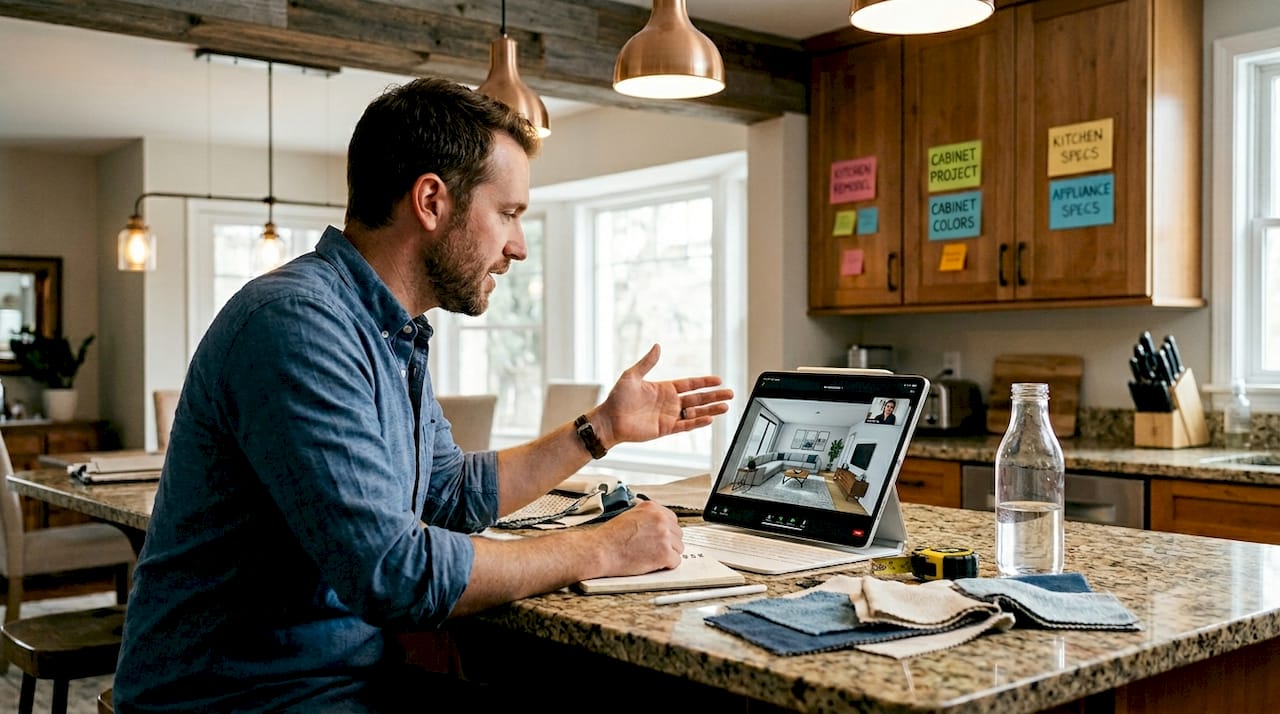
Remote collaboration has become seamless in 2026. You can hire a designer across the country, share your digital model via cloud platforms, and receive expert input without a single in-person meeting. This flexibility opens access to specialized talent and diverse design perspectives that weren’t practical with traditional methods. Digital tools also let you iterate quickly, trying bold ideas without commitment, which encourages creative exploration you might skip with physical samples.
Comparing traditional vs digital interior design approaches in 2026
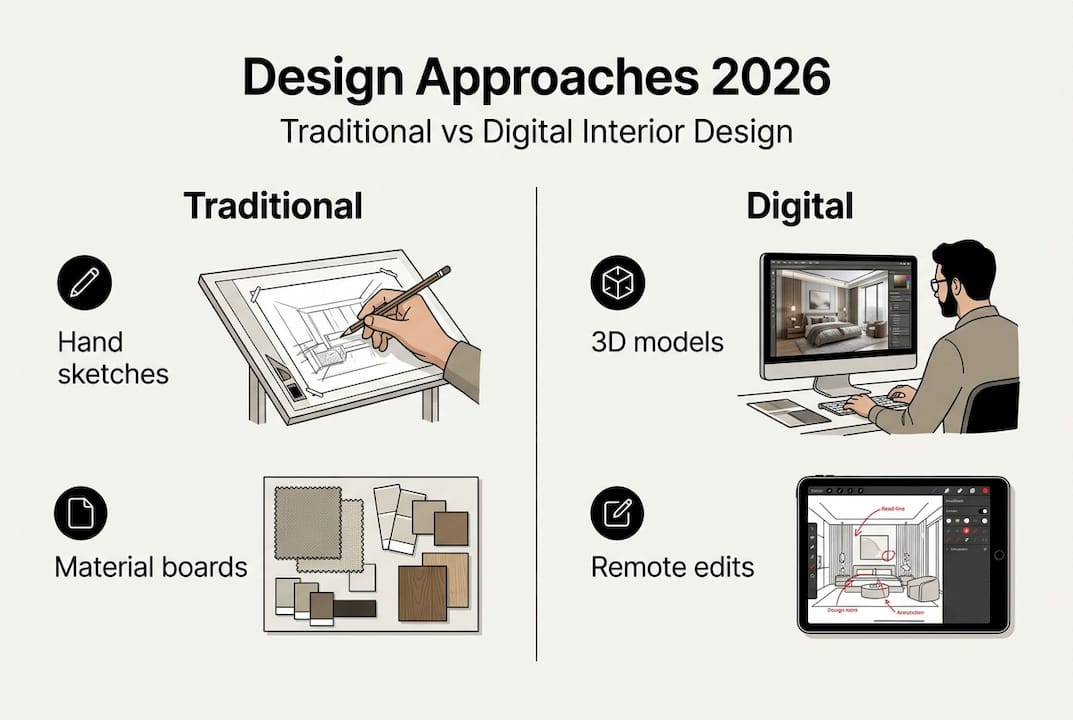
Understanding the differences between traditional and digital methods helps you decide which approach, or combination, suits your project. Here’s a side-by-side comparison:
| Aspect | Traditional interior design | Digital interior design |
|---|---|---|
| Visualization accuracy | Sketches and mood boards require imagination to interpret | Photorealistic 3D renderings show exact results |
| Client involvement | Limited to reviewing 2D plans and physical samples | Interactive exploration of spaces from multiple angles |
| Time to iterate | Days or weeks to redraw plans and source new samples | Minutes to adjust colors, layouts, or materials digitally |
| Cost of changes | Expensive to redo plans or order new sample materials | Low cost to experiment with unlimited digital variations |
| Spatial understanding | Difficult to grasp room proportions from flat drawings | Immersive VR walkthroughs provide true spatial sense |
The advantages unique to digital interior design include:
- Instant visualization of design changes without physical material waste
- Ability to test multiple color palettes or furniture arrangements in one session
- Precise measurements and scale accuracy reduce ordering errors
- Easy sharing of designs with family, contractors, or designers for collaborative feedback
- Integration with e-commerce platforms to purchase exact items shown in renderings
Pro Tip: Don’t abandon traditional methods entirely. Combining digital previews with physical samples of key materials like fabric swatches or paint chips ensures your final choices match both the digital rendering and real-world textures. Screens can’t perfectly replicate how velvet feels or how matte paint absorbs light, so use digital tools for planning and traditional samples for final confirmation.
This hybrid approach leverages the speed and accuracy of digital design while honoring the tactile, sensory aspects that make a house feel like home. You get the best of both worlds: confident planning through technology and authentic material experiences before committing.
How to get started with digital interior design for your home
Jumping into digital interior design feels easier when you follow a clear roadmap. Here’s a practical guide to begin using these tools for your next project:
- Define your project scope and goals, whether it’s a single room refresh or a whole-home renovation.
- Choose a digital tool that matches your skill level; beginners should try user-friendly apps with tutorials, while advanced users can explore professional CAD software.
- Measure your room accurately, including ceiling height, window placements, and door swings, using a laser measure for precision.
- Take high-quality photos of your space from each corner to reference lighting and existing features.
- Import your measurements into the software and build a basic 3D model of your room’s structure.
- Add furniture, fixtures, and decor items from the software’s library or upload custom models of pieces you already own.
- Experiment with different layouts, colors, and materials, saving multiple versions to compare side by side.
- Review your designs at different times of day if the software supports lighting simulation.
- Share your favorite designs with a professional designer or contractor for feasibility and cost feedback.
- Use the final approved 3D model as a shopping list and construction guide to ensure accurate execution.
Accessing professional help has never been more convenient. Online consultations and remote collaboration increasingly facilitate digital interior design for homeowners worldwide. Many designers offer virtual services where they create 3D models based on your measurements and photos, then refine the design through video calls and shared digital files. This approach saves travel time and often costs less than traditional in-person consultations while delivering the same quality results.
Pro Tip: Invest time in capturing accurate room dimensions before you start designing. Measure twice, input once. Incorrect measurements lead to renderings that don’t match reality, wasting time and causing frustration when furniture doesn’t fit as the digital model suggested. Use a laser measure and double-check corners, alcoves, and irregular wall angles.
Exploring interior design service packages can clarify what professional support looks like and help you decide whether to tackle the project solo or partner with experts who bring technical skills and creative insight to your digital design process.
Explore professional digital interior design services at Moment Design
Now that you understand how to start your digital design journey, partnering with experts can elevate your results and save you time. Moment Design specializes in creating 3D visualizations that capture not just the layout, but the atmosphere, materials, and emotional feeling of your future interior. Their tailored service packages guide you from initial concept to final rendering, ensuring every detail aligns with your vision and lifestyle needs.
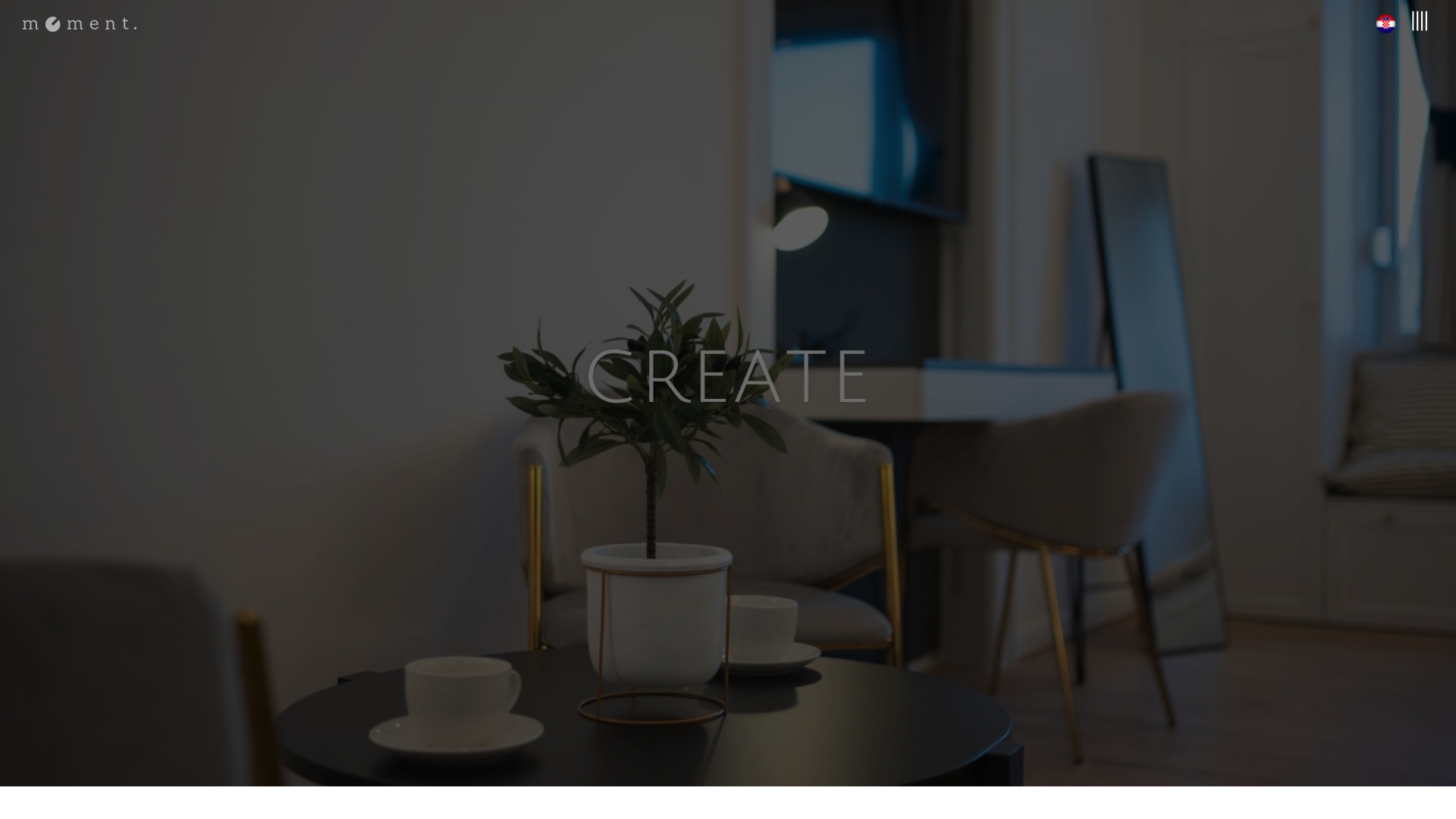
Browsing their design project portfolio reveals the range and quality of spaces they’ve brought to life digitally. You’ll see how professional-grade tools and experienced designers transform measurements and ideas into stunning, accurate previews. Whether you’re planning a cozy apartment refresh or a comprehensive home renovation, their team collaborates with you remotely, making expert digital interior design accessible no matter where you live. Visit the Moment Design homepage to learn more about how they create your space in 3D so you can experience it before it exists.
Frequently asked questions about digital interior design
What software is best for beginners in digital interior design?
User-friendly apps like Planner 5D, Roomstyler, or HomeByMe offer intuitive drag-and-drop interfaces perfect for beginners. These platforms provide furniture libraries, preset room templates, and basic 3D rendering without requiring CAD experience. Start here to build confidence, then explore more advanced tools like SketchUp or AutoCAD as your skills grow.
Can I do digital interior design without professional help?
Absolutely. Many homeowners successfully plan and visualize their spaces using consumer-grade apps and online tutorials. However, complex projects involving structural changes, custom millwork, or high-end finishes benefit from professional input to ensure feasibility, code compliance, and optimal material choices. Combining DIY exploration with expert review often yields the best results.
How accurate are digital renderings compared to real spaces?
High-quality digital renderings closely match real spaces when based on precise measurements and accurate material specifications. Lighting, color, and texture realism depend on the software quality and the designer’s skill. Minor differences may occur due to screen color calibration or material batch variations, but overall accuracy typically exceeds 90% when executed properly, making digital previews highly reliable for decision-making.
Is VR necessary for effective digital interior design?
VR enhances the experience by providing immersive walkthroughs, but it’s not essential. Standard 3D renderings viewed on a computer or tablet screen offer sufficient detail for most projects. VR becomes valuable for large renovations or when multiple stakeholders need to experience the space together. Many successful digital designs rely solely on high-quality static renderings and 360-degree views without VR hardware.
How do I ensure my digital design matches actual room dimensions?
Use a laser measure to capture accurate dimensions, including ceiling height, window and door sizes, and any architectural quirks like sloped ceilings or alcoves. Photograph your space from multiple angles and note locations of electrical outlets, switches, and vents. Input these details carefully into your software and cross-check measurements before finalizing furniture placement. Accuracy at this stage prevents costly surprises during implementation.